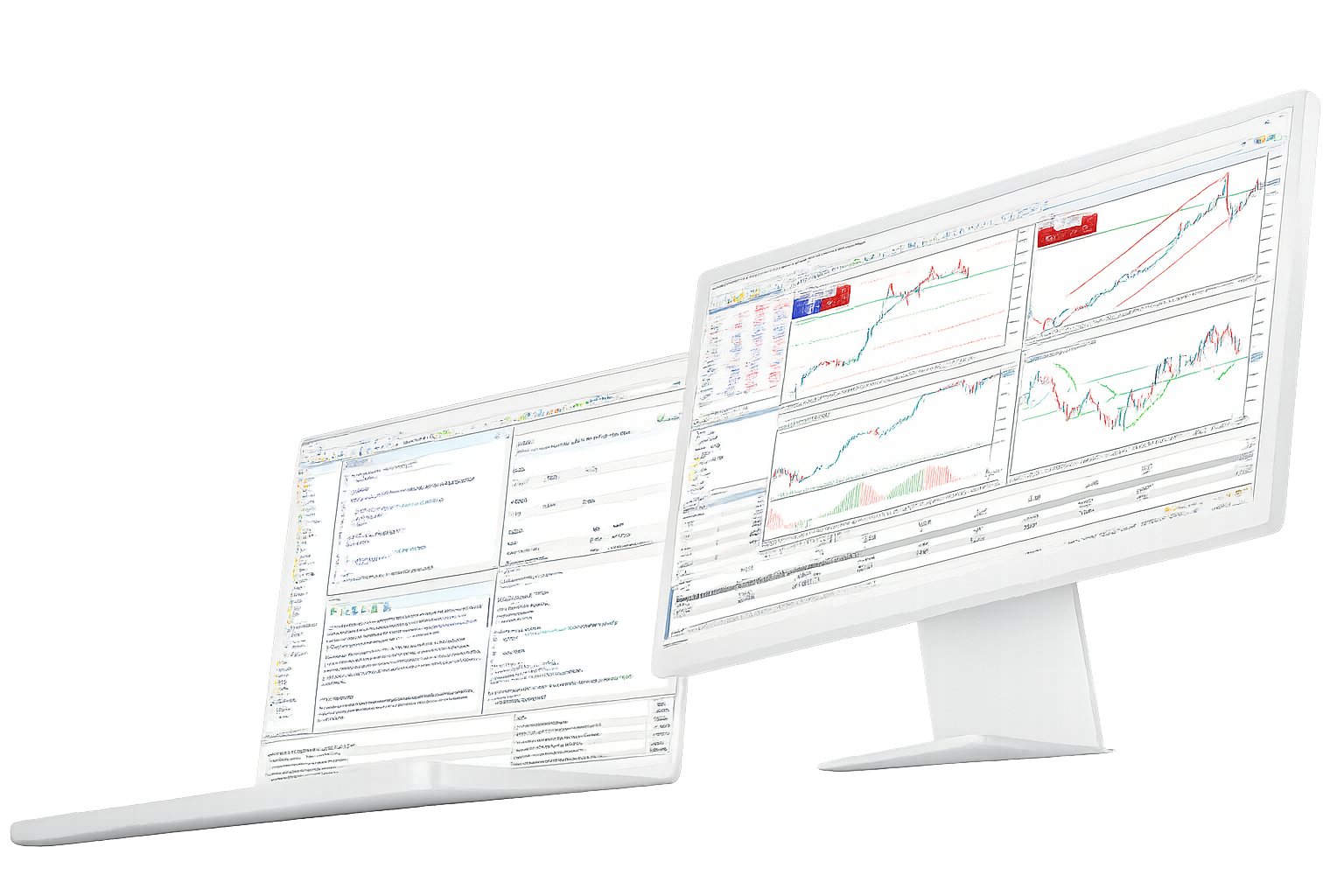
MetaTrader 5 Multi-Asset Trading Platform

Analyze and trade broker-supported forex, stocks, futures and other markets from MetaTrader 5.

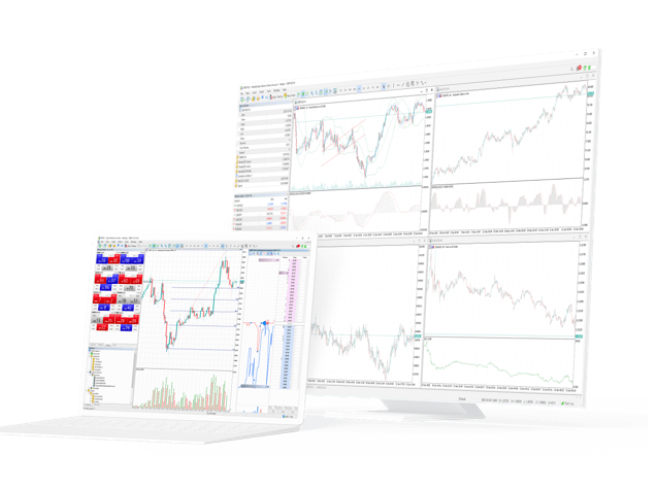
MetaTrader 5 brings market analysis, order and position management, Market Depth and MQL5 automation into one trading environment, with access across desktop, web and mobile. Available instruments, prices and account conditions are provided by the connected broker server.

What MetaTrader 5 Can Do

MT5 connects market access, analysis, execution and algorithmic trading in one platform while keeping broker-specific account conditions separate from the software itself.

Multi-asset market access

Forex / Stocks / Futures
MetaTrader 5 can connect to forex, stock, futures and other markets supported by a broker.
The connected server determines which symbols appear in the terminal and supplies account-specific prices and trading conditions.
This makes MT5 a multi-asset platform rather than a broker or a source of universal market terms.
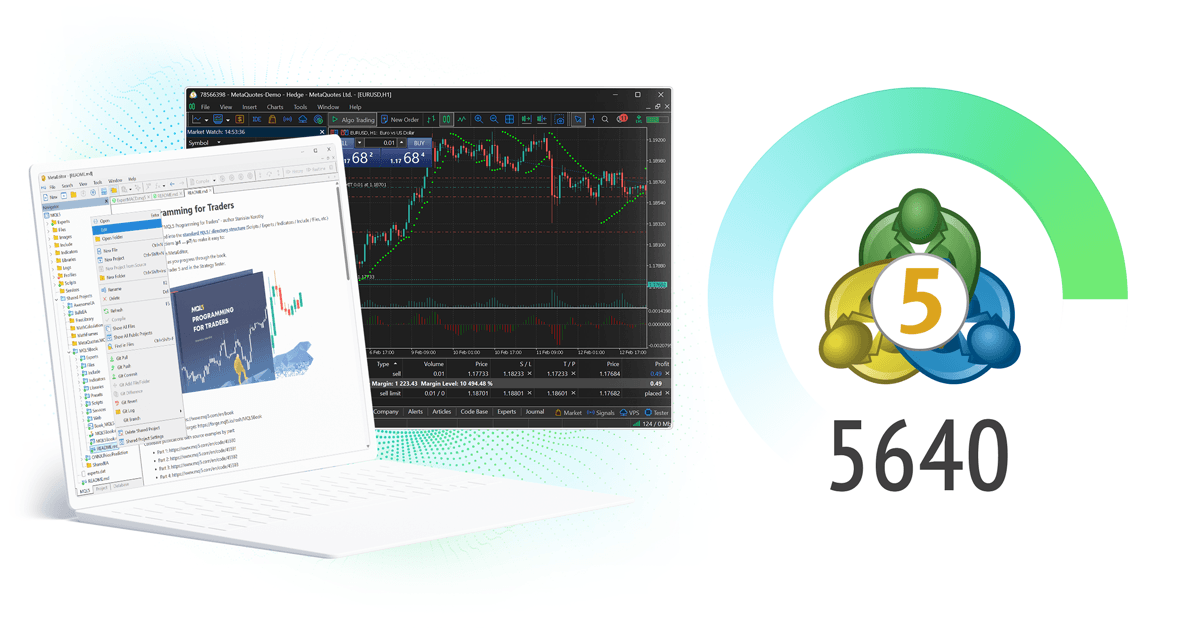
Charts and market analysis
21 Timeframes / 38 Indicators / 44 Objects
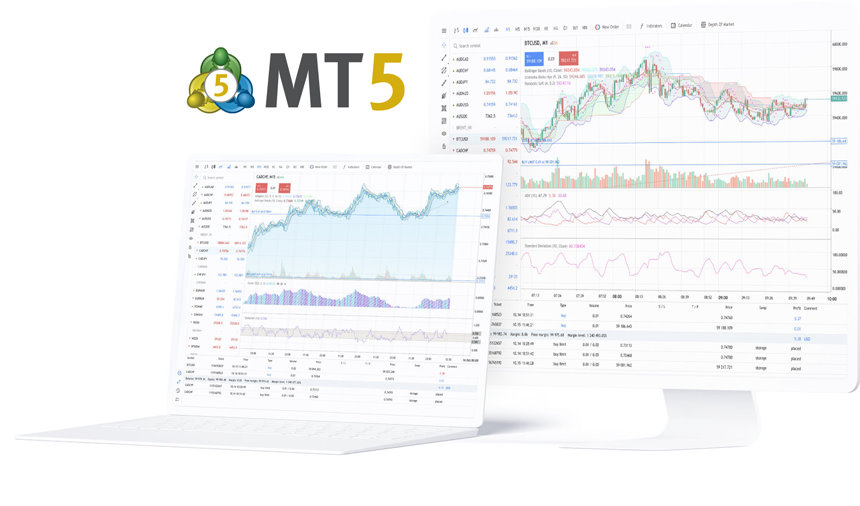
The desktop platform includes 21 chart timeframes, 38 built-in technical indicators and 44 analytical objects.
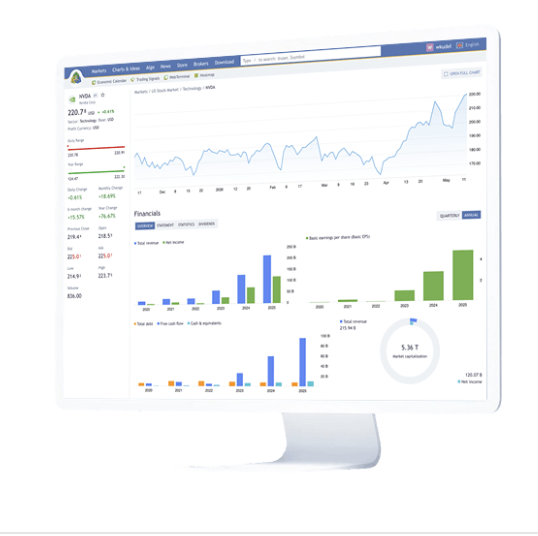
Traders can combine chart analysis with financial news and the Economic Calendar for broader market context.
Custom indicators can extend the desktop workspace through MQL5.

Orders, Market Depth and positions

6 Pending Orders / Netting / Hedging
MT5 supports market orders, six pending order types, Stop Loss, Take Profit and Trailing Stop.
Market Depth provides an additional view of available bid and ask levels for supported instruments.
Accounts can use netting or hedging position accounting according to the broker and account setup.

Fundamental market context

News / Economic Calendar
Financial news and the integrated Economic Calendar add event and macroeconomic context to price analysis.
Scheduled releases, previous values and market expectations can be reviewed inside the trading environment.
These tools support research and do not guarantee a trading result.

MQL5 and algorithmic trading

Expert Advisors / MetaEditor / Strategy Tester
MQL5 is used to create Expert Advisors, custom indicators, scripts and other trading applications.
MetaEditor provides the development environment, while Strategy Tester supports backtesting, optimization and forward testing.
Testing results still need to be evaluated against live market and account conditions.

Desktop, web and mobile access

Desktop / Web / iOS / Android
Desktop provides the full MQL5, Expert Advisor and Strategy Tester workflow.
WebTerminal offers browser-based access without a desktop installation.
iPhone, iPad and Android apps extend quotes, charts, orders, positions and account monitoring to mobile devices.

MetaTrader 5 in the wider MetaQuotes ecosystem

Beyond the client terminal, MetaQuotes provides technology and services used by brokers, traders and MQL5 developers.

MetaTrader 5

MetaTrader 5 broker technology

  • Multi-asset trading infrastructure
  • Servers, gateways, APIs and operational tools
FINTEZA

Finteza analytics

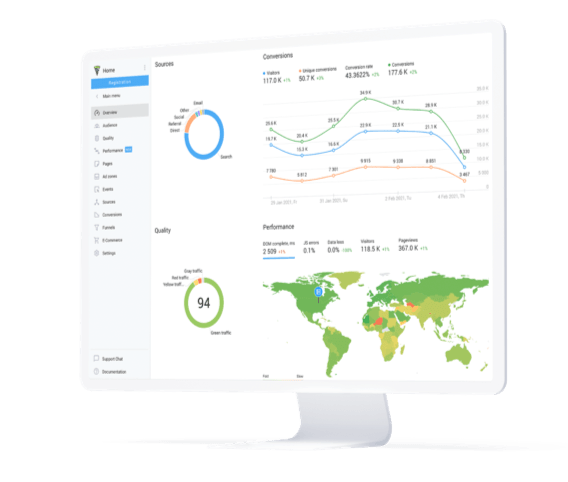
  • Website and campaign analytics
  • Traffic quality and conversion measurement
  • Sales-funnel analysis
MetaTrader.com

MetaTrader.com market information

  • Market data and interactive charts
  • Trading ideas and market analysis
  • Financial news and economic events
MQL5

MQL5.community for traders and developers

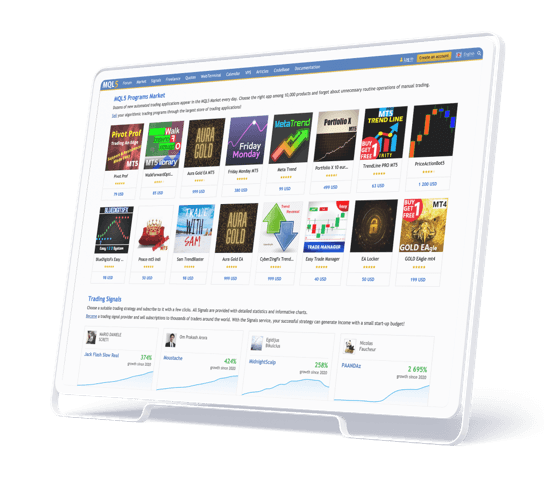
MQL5.community provides documentation, technical articles, Code Base, Market, Signals and Freelance services for MetaTrader users and MQL5 developers.

Latest MetaTrader 5 and MetaQuotes updates

Recent platform releases, industry events and ecosystem developments from MetaQuotes.

MetaQuotes Money Expo Argentina 2026 update

MetaQuotes heads to Money Expo Argentina 2026

MetaQuotes announced its participation in the October 3–4 event in Buenos Aires, where it plans to present MetaTrader 5 AI, automation, liquidity and institutional technologies.

MetaTrader 5 Best All-in-One Trading Platform award

MetaTrader 5 wins Best All-in-One Trading Platform award

MetaTrader 5 received the award at The Trading Show — African Fintech Summit 2026, recognizing the breadth of its trading, analytics, automation and brokerage technology.

MetaTrader 5 capabilities at Forex Expo Dubai 2026

MetaQuotes presents new MT5 capabilities at Forex Expo Dubai

The September 22–23 event features MetaTrader 5 brokerage automation, AI-powered algorithmic tools and institutional-liquidity technology.

TrioMarkets MetaTrader 5 interview

TrioMarkets discusses scaling and AI with MetaTrader 5

A September interview with TrioMarkets focused on business growth, MetaTrader 5 infrastructure, AI-related capabilities and new opportunities for brokerage operations.

MetaTrader 5 Build 6180 AI Assistant update

MetaTrader 5 Build 6180 expands AI Assistant tools

The September 3 release added more AI Assistant actions for Strategy Tester, including access to reports and settings plus support for launching optimization workflows.

Public App Store feedback on MetaTrader 5

Selected App Store comments reflect a mix of positive experiences and feature requests. They are user opinions, not performance claims or endorsements by this website.

MetaTrader 5 App Store review by TurnTrap

TurnTrap

Making Dreams Come True | App Store

Likes the responsive app and depth of features, especially on desktop, but would like more chart customization and a more modern-looking interface.

MetaTrader 5 App Store review by qanisi

qanisi

Improvement and Attraction | App Store

Uses MT5 for trading but finds chart marking and free chart movement more limited than TradingView, and would like stronger drawing and replay tools.

MetaTrader 5 App Store review by MrAsGun

MrAsGun

Reliable & Powerful Trading Platform | App Store

Highlights fast performance, stability, technical-analysis tools, customizable charts and the convenience of trading from the mobile app.

MetaTrader 5 App Store review by Kesa hm

Kesa hm

Great app but slight problem | App Store

Rates the app positively but notes that an older iPad can no longer run the required iOS version, raising a device-compatibility concern.

MetaTrader 5 App Store review by Kamilas.P

Kamilas.P

About the app | App Store

Reports a generally smooth experience but says setup can be difficult for new traders and asks for easier ways to apply chart settings across symbols.

MetaTrader 5 App Store review by DhaniAA

DhaniAA

SL & TP | App Store

Would like the order ticket to show potential profit and loss while setting Stop Loss and Take Profit before opening a trade.

MetaTrader 5 overview FAQ

Short answers about the platform, supported market types, MetaQuotes, automation and the role of broker accounts.

What is MetaTrader 5?
MetaTrader 5 is a multi-asset trading platform developed by MetaQuotes. It combines charts, market analysis, orders, position management and MQL5 algorithmic tools across desktop, web and mobile terminals.
Who develops MetaTrader 5?
MetaTrader 5 is developed by MetaQuotes, a financial-software company that builds trading-platform and brokerage technologies.
Which markets can MetaTrader 5 support?
MT5 supports multi-asset environments including forex, stocks, futures, bonds and options. The actual instruments available to a user depend on the broker server and account.
Why is MetaTrader 5 called a multi-asset platform?
It is designed to support different market types, trading models and account environments within one platform family rather than being limited to a single asset class.
Does MetaTrader 5 support automated trading?
Yes. The desktop platform includes MQL5, MetaEditor and Strategy Tester for developing, testing, optimizing and running Expert Advisors and other trading applications.

Where MetaTrader 5 fits in a trading workflow

Different terminals and tools cover different stages, from market analysis and order management to MQL5 development and cross-device account access.

Desktop handles the deepest analysis and automation work, while WebTerminal and mobile apps extend access when a full workstation is not available.
Multi-asset order execution workflow icon

Market analysis and execution

Charts, Market Depth and orders

Review broker-supported markets, analyze charts and use order tools to open or manage positions from the connected account.

Desktop / Web
Technical and fundamental market analysis workflow icon

Technical and fundamental research

Charts, indicators and economic events

Combine multiple timeframes and technical tools with financial news and the Economic Calendar for broader market context.

Desktop-first
MQL5 Expert Advisor development workflow icon

MQL5 development and testing

Expert Advisors and Strategy Tester

Create MQL5 applications in MetaEditor and evaluate Expert Advisors with backtesting, optimization and forward testing.

Desktop / VPS
Cross-device MetaTrader 5 account access workflow icon

Account access across devices

Desktop, WebTerminal and mobile

Use desktop for full workflows, then connect the same broker account through WebTerminal or mobile apps for monitoring and trade management.

Desktop / Web / Mobile

Recent MetaTrader 5 industry recognition

Recent awards recognize the platform and its technology. They do not represent investment performance, trading returns or a recommendation to trade.

MetaQuotes

Best Multi-Asset Trading Platform

Money Expo Mexico 2026

MetaTrader 5 Best Multi-Asset Trading Platform award
MetaTrader 5

Best All-in-One Trading Platform

African Fintech Summit 2026

MetaTrader 5 Best All-in-One Trading Platform award
GET METATRADER 5

Choose MetaTrader 5 for your device

Compare Windows, macOS, Linux, WebTerminal, iPhone, iPad and Android access, then continue to installation and broker-account login.